GuardNet uses cutting-edge AI and computer vision to deliver personalized object detection and recognition. Our adaptive system identifies multiple object types in real-time, with constantly expanding detection classes customized for individual users and use cases.
Watch a short introduction to how GuardNet detects, classifies and adapts to the objects that matter to you.
Our advanced computer vision algorithms continuously learn and improve object detection accuracy by analyzing visual patterns and contextual information that traditional recognition systems overlook.
Instantaneous object identification and classification across multiple camera feeds, ensuring your system responds immediately to newly detected items and changing environments.
Personalized object recognition that evolves with your needs - easily add new detection classes, train custom models, and refine accuracy for your specific use cases and environments.
GuardNet detects objects and movement events in your camera streams in real time and reports them to you, with the time and the camera. What a report means, and what to do about it, is your decision.
Flags bursts of fast, high-energy motion and close contact between people, and alerts your security personnel instantly so they can look and act.
Advanced visual recognition of flames and smoke patterns. Provides early warning before traditional sensors, enabling faster evacuation and emergency response.
Detects motion that departs from what is usual for a scene - an unusual route, someone remaining in one spot, movement at an hour when there is normally none. It learns the scene, not the people in it.
Watches the zones you draw and reports the moment a person or a vehicle enters one or crosses a line you have set, on the schedule you choose. Whether that entry was allowed is for you to say.
Counts the people in an area and measures how densely they are packed and which way they are flowing. Reports the moment the count or the density passes a threshold you set.
Detects a person going to the ground and vehicles colliding, and puts the event on your phone with the frame attached, seconds after it happens, wherever you are. Whether help is needed is your call.
GuardNet is developed by a small team of seasoned professionals with extensive experience at leading tech companies. Our engineers have contributed to large-scale systems serving billions of users worldwide.

Holds a PhD in computer vision and AI, and trains every detection agent in-house rather than licensing third-party models.

Owns both sides of the promise - the quality of what we build and the way we talk about it. He tests it first, then tells the world.
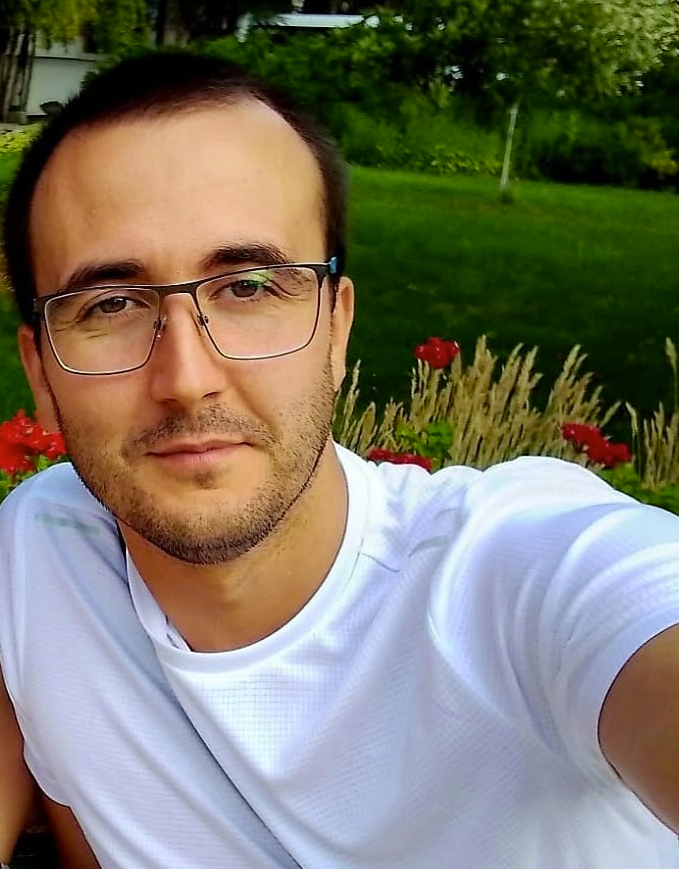
Leads hardware and infrastructure, DevOps, and the remote-support pipeline that puts new agents onto customer sites and keeps them running.
Ensure your system meets the minimum requirements for optimal GuardNet performance.
Windows 10/11
or
Ubuntu 22.04+
Minimum 16 GB
32 GB recommended for multiple cameras
Modern multi-core processor
Intel i5/i7/i9 or AMD Ryzen 5/7/9
NVIDIA GPU recommended
CUDA-capable for accelerated AI processing
Minimum 256 GB SSD
Additional space required for recordings
Gigabit Ethernet
Stable connection for IP cameras
GuardNet is software: you download it, and your licence covers the software alone. It runs on an ordinary desktop computer - for the three cameras it watches by default a current quad-core machine with 16 GB of RAM is enough, and beyond that an NVIDIA GPU is well worth having.
If you would rather not put a machine together yourself, TIGER ENGINEERING can build and test one for the number of cameras you are running. That is a separate purchase from our hardware shop, under the shop's own terms - it is not part of GuardNet and nothing is shipped with the software. Tell us your camera count at support@tgrengineering.com and we will quote for it.
Download and install GuardNet first. Once the client is running, your trial begins with the standard agents active - more can be added whenever you need them. Your trial terms, including whether it starts with a fully refundable deposit, are shown when you register, before anything is charged. If you continue, any deposit goes straight towards your subscription. If GuardNet is not the right fit, you get it back in full.
Download the complete installation guide and set up GuardNet. Your trial starts once the client is running.
Download Installation Guide (PDF)Have questions or need assistance? Get in touch with our team.
We're happy to help with technical issues or discuss custom behavior tailored to your specific needs.
sps@tgrengineering.com
We'll email you a confirmation link. Your download starts right after you click it.
Nothing after a minute? Check your spam folder.

